
Capsule: a file transfer TUI I actually use every day
June 6, 2026 · 8 min read
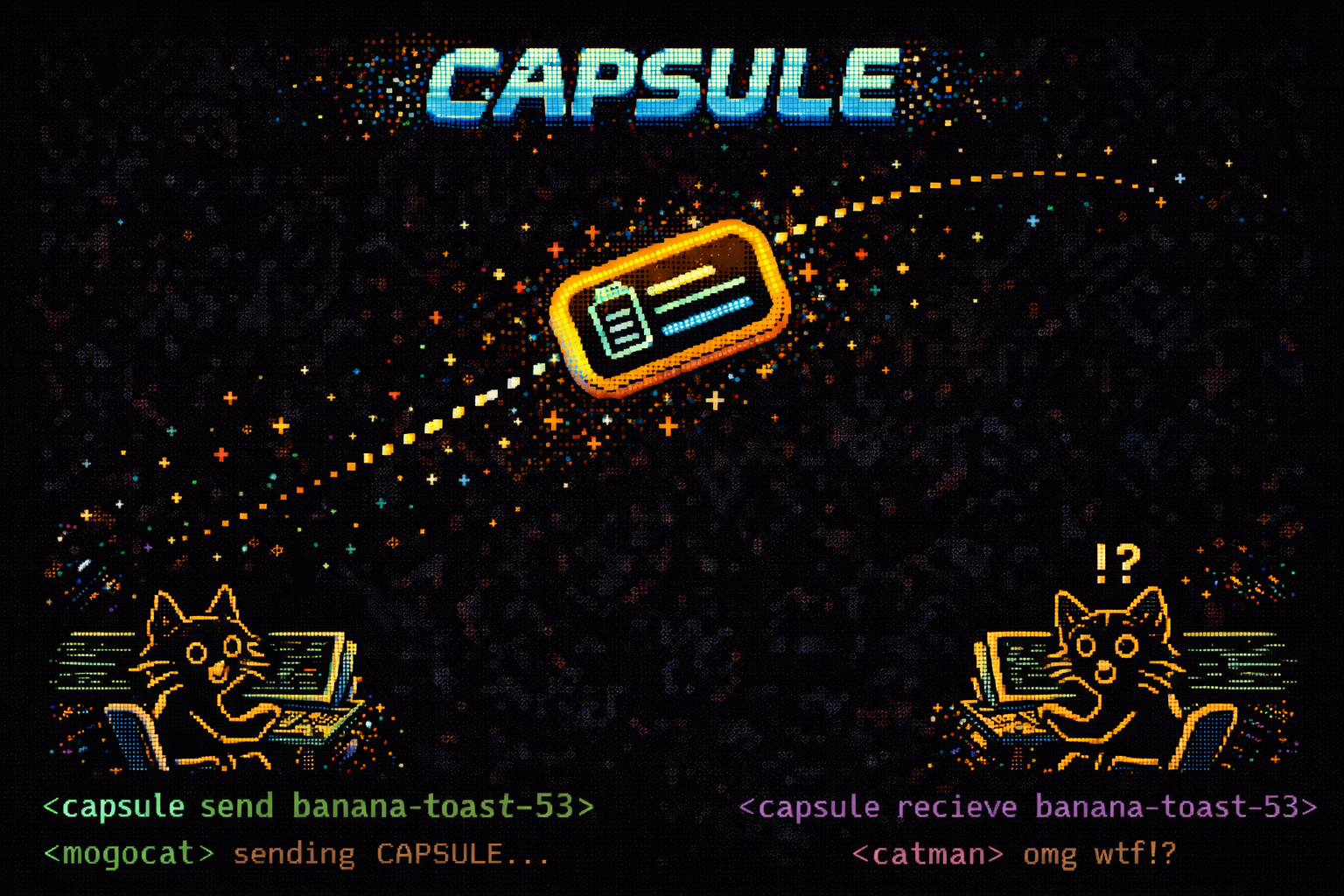
I send files between my own machines constantly — a laptop, a desktop, a server in a closet, the occasional phone. For years the honest answer to "how do I get this file over there" was some embarrassing mix of AirDrop when it felt like working, a scratch S3 bucket, or pasting things into a chat with myself. None of it was private, none of it was fast, and all of it required an account somewhere.
Magic Wormhole fixed the protocol problem. You get a short code like 7-purple-sunrise, you read it to the other side, and
PAKE turns that human-readable phrase into a strong end-to-end encrypted channel that the relay server can never read. croc
and Portal both proved how good the experience
can be. What I wanted was that protocol wrapped in something I'd be happy staring at — a real terminal interface, not a string of flags I have
to remember.
So I built Capsule. It's a TUI written in Go on top of Bubble Tea, it speaks the standard Magic Wormhole protocol via wormhole-william, and it has quietly become the tool I reach for several times a day.
What it does
The core is boring on purpose, because boring is what you want from the thing that moves your files. Capsule does relay-assisted, end-to-end encrypted transfers between any two computers. No accounts, no port forwarding, no cloud middleman that can read your data. You open it, you pick a file, you read a code to the other side, and it lands.
Everything else is about removing friction from that loop until it disappears.
The interface
Capsule opens into a two-pane layout. On the left is a built-in file manager — a real one, with directory navigation, fuzzy filtering, hidden-file toggling, and multi-select. You don't shell out, you don't paste paths. You arrow down to the thing you want, hit space to mark it (or several things), and send. Sending a folder works the same way it works for a file; Capsule handles directory transfers without making you zip anything first.
On the right is the transfer panel: the wormhole code rendered large and legible, a live progress bar with real throughput and ETA, and a running history of recent transfers so you can see what came and went. When a transfer completes there's a small, satisfying animation — enough to register success in your peripheral vision, not so much that it gets old by the tenth time.
Animations and themes
The whole UI runs on a render ticker, so it feels alive rather than static. Progress bars ease instead of jumping, the code panel has a subtle shimmer while it waits for a peer, and the receive side shows an incoming-packet animation that maps to actual bytes on the wire. It's the kind of motion that makes a terminal app feel like a place rather than a prompt.
It also ships with themes. There's a default that matches my dotfiles, plus a handful of built-ins (a high-contrast one, a muted one, a couple of the usual suspects from the terminal-color canon), and it reads a config file so you can define your own palette. Lipgloss makes this almost free, and it means Capsule looks like it belongs in my terminal instead of fighting it.
Keyboard shortcuts
Capsule is keyboard-first all the way down. Every action has a binding, the bindings are vim-flavored where it makes sense (j/k to move, / to filter, g/G
to jump), and there's a ? overlay that shows the full map without leaving the app. The code that a transfer produces can be copied
to the clipboard with a single key, and on the receive side you can paste a code in directly rather than typing it. Small things, but they're
the difference between a tool you tolerate and a tool you reach for.
How it compares
If you've used croc or Portal, the mental model is identical, because the protocol is the same. What Capsule adds is the surface area: a persistent, navigable interface instead of a one-shot command. Under the hood it inherits the things that make this category good — PAKE-based end-to-end encryption, a relay that negotiates the channel but never sees your files, cross-platform support from a single Go binary, and local-network transfers when both ends are on the same LAN. On top of that it adds the file manager, the themes, the animations, and the shortcuts that turn "send a file" into muscle memory.
Why I built it
I could have kept using croc. It's excellent. But I wanted to understand the protocol by holding it, and I wanted an interface shaped exactly to how I work — files on the left, codes on the right, everything one keystroke away. Building it taught me more about Bubble Tea's update loop, about backpressure in streaming transfers, and about how much polish a terminal app can actually carry than any tutorial would have.
Mostly, though, it passed the only test that matters for a personal tool: I stopped thinking about it. Moving a file between my machines is no longer a decision. I open Capsule, and it's already where my hands expect it to be.